
App gallery
Start from a finished app
Apps that already passed review, ready to fit to your data. Each one began as a prompt on the Bench and runs on sample records, with SSO, roles and a Logbook in place. Open one, point it at your own sources and send it for review.
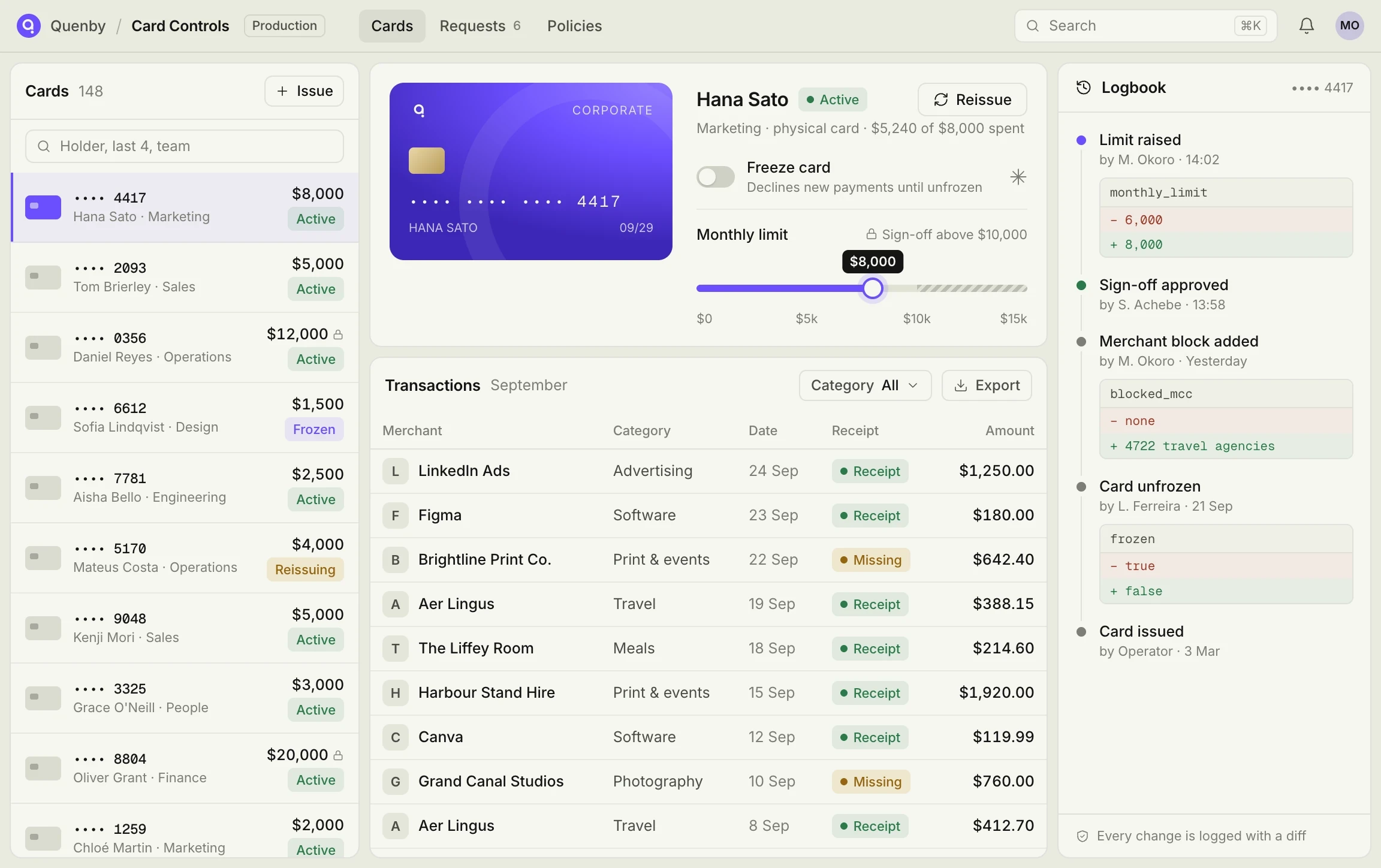
All
Finance
Operations
Engineering
Sales
People
Support

Refund Desk
Work guest refund requests from one queue. Agents decide with the booking and payment side by side, and any refund over $500 goes to a second approver before money moves.
Tessaly
·
Support
Claims Triage
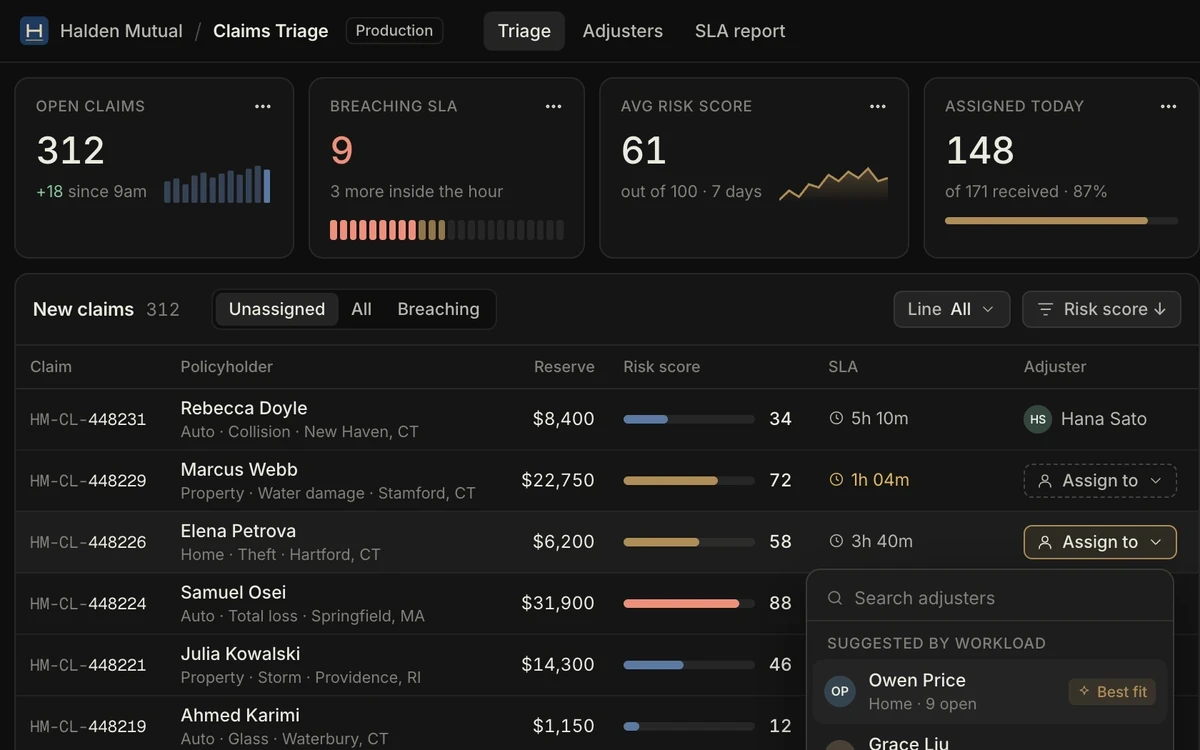
Score every new claim as it arrives and route it by adjuster workload. Team leads see SLA risk at a glance, and each reassignment is logged with a reason and a timestamp.
Halden Mutual
·
Claims operations
We’ll build the first one with you
Dock Board
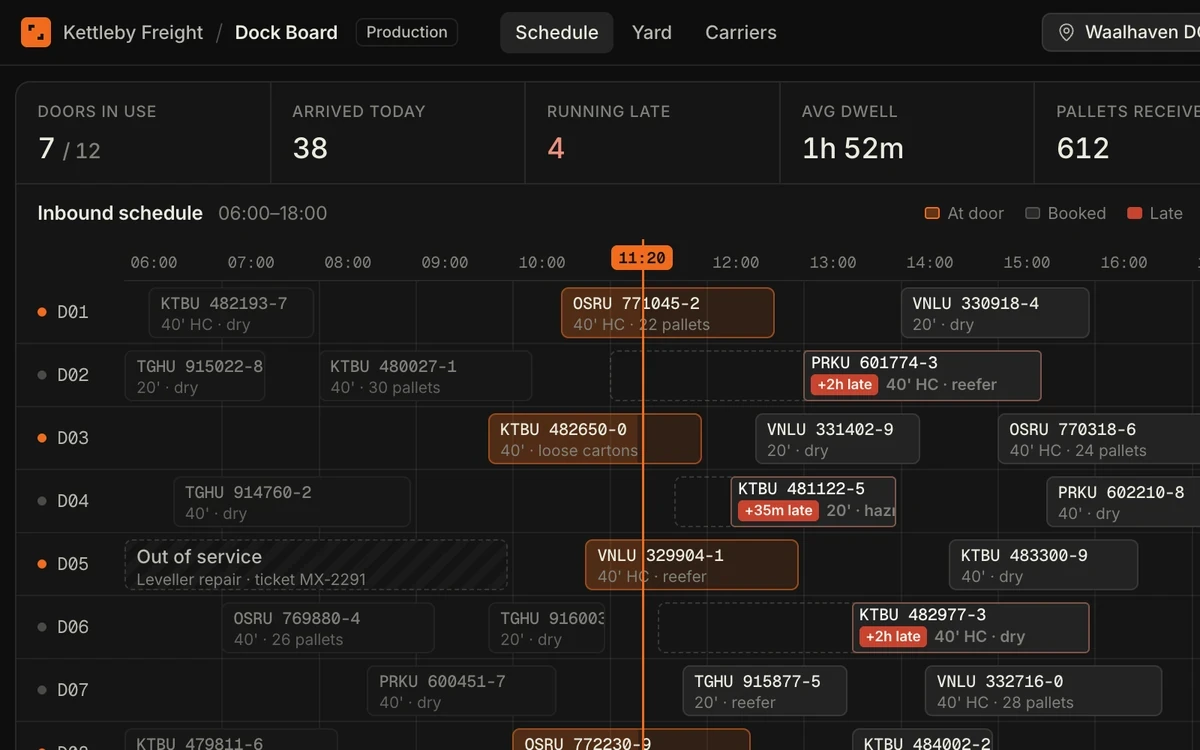
A live schedule for 12 dock doors, built on inbound container data. Anything more than two hours late turns red, and yard positions update as trucks check in at the gate.
Kettleby Freight
·
Warehouse operations

Rota Planner
Plan weekly staff rotas for each clinic. Managers see only the people at their own site, and thin shifts show up before the week starts rather than on the morning itself.
Fennimore Health
·
Clinic operations

Turbine Inspections
A mobile checklist for field technicians. Each visit records photos, readings and a fault severity, syncs when signal returns, and runs Onsite inside Brackwater's own network.
Brackwater Energy
·
Field operations
Markdown Manager
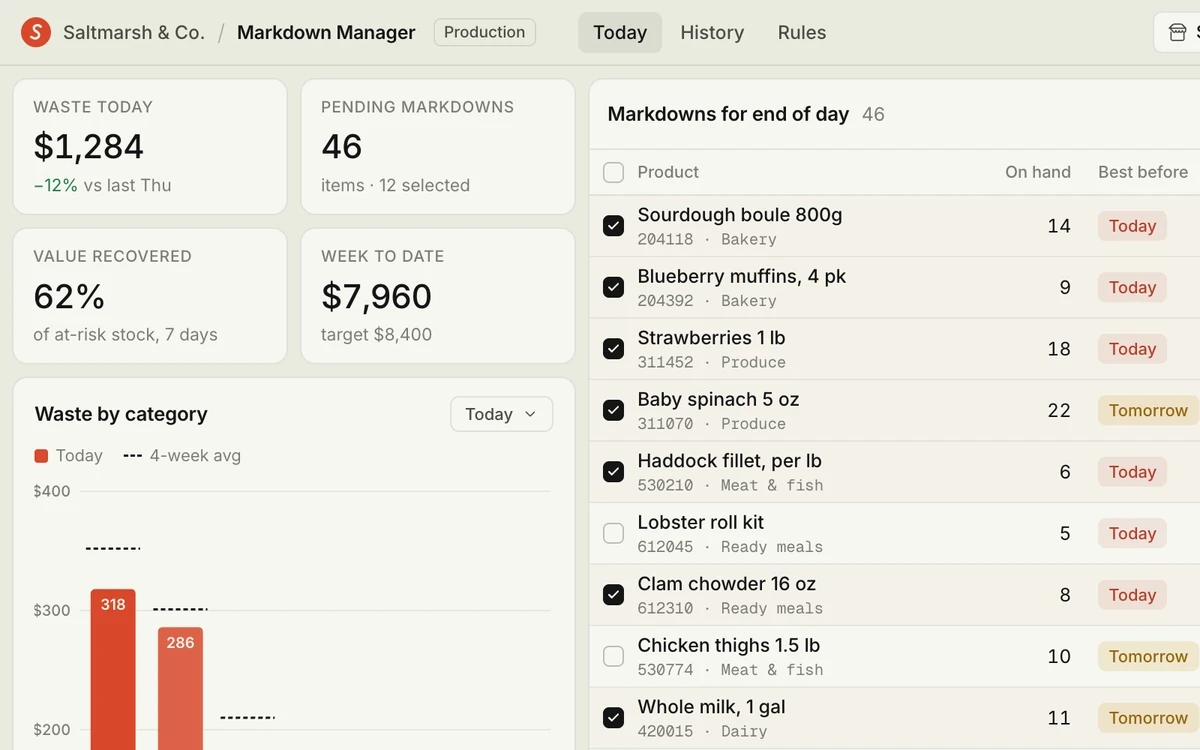
Track daily food waste by category and approve end-of-day markdowns for each store. Managers set the discount, and anything deeper than 50% goes to the regional lead first.
Saltmarsh & Co.
·
Store operations
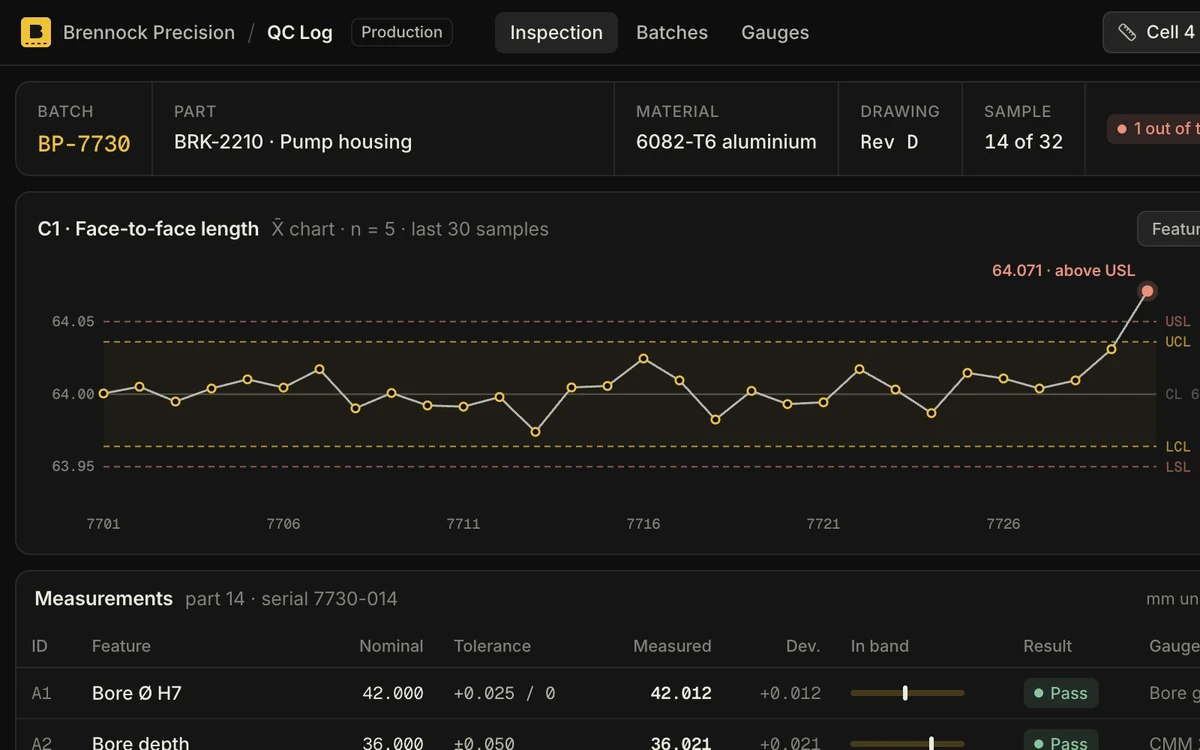
QC Log
Log measured dimensions for every batch against the drawing. Parts outside tolerance are flagged as they're entered, and a control chart shows drift before it turns into scrap.
Brennock Precision
·
Quality

Vendor Onboarding
Collect a new vendor's documents, run the checks and route the file for approval in five steps. Missing papers and risk flags surface before procurement signs anything.
Halden Mutual
·
Procurement

Payout Review
Hold or release host payouts that risk rules have flagged. Reviewers see each rule hit, the host's history and similar past cases before they make the call.
Tessaly
·
Trust & risk
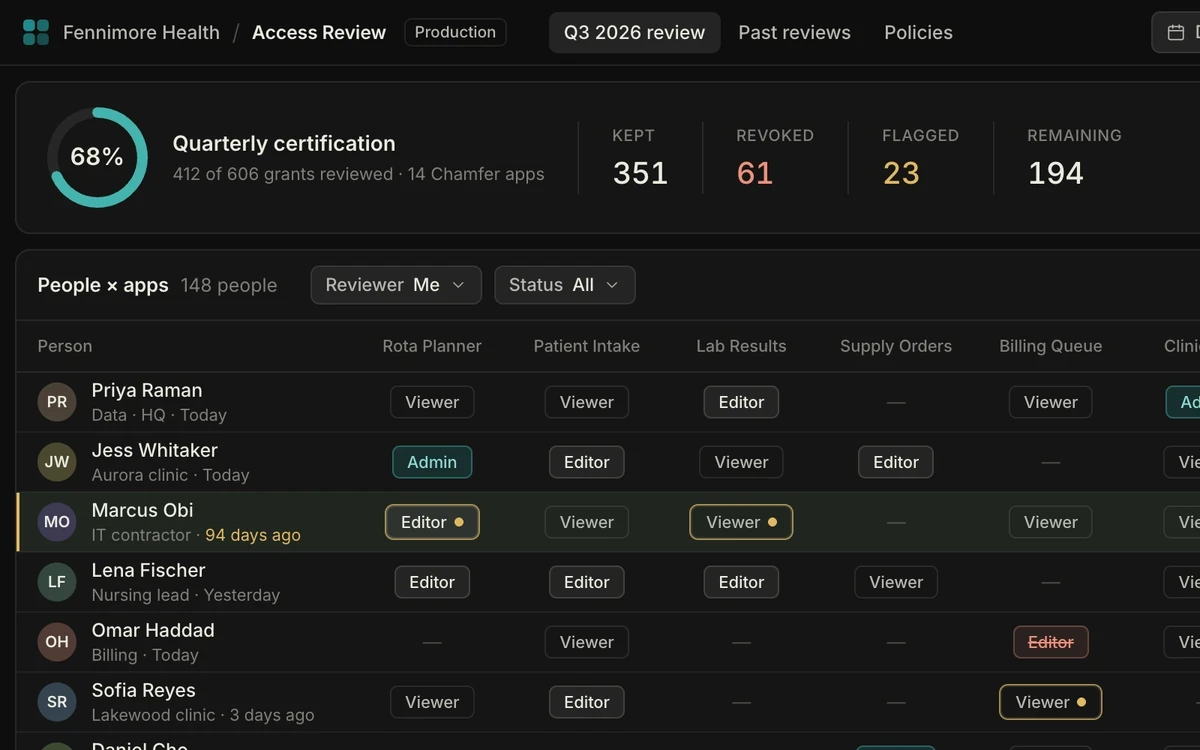
Access Review
Run the quarterly access review across every Chamfer app. Managers confirm or revoke each role in one pass, and the finished review exports straight to your auditor.
Fennimore Health
·
IT & Security
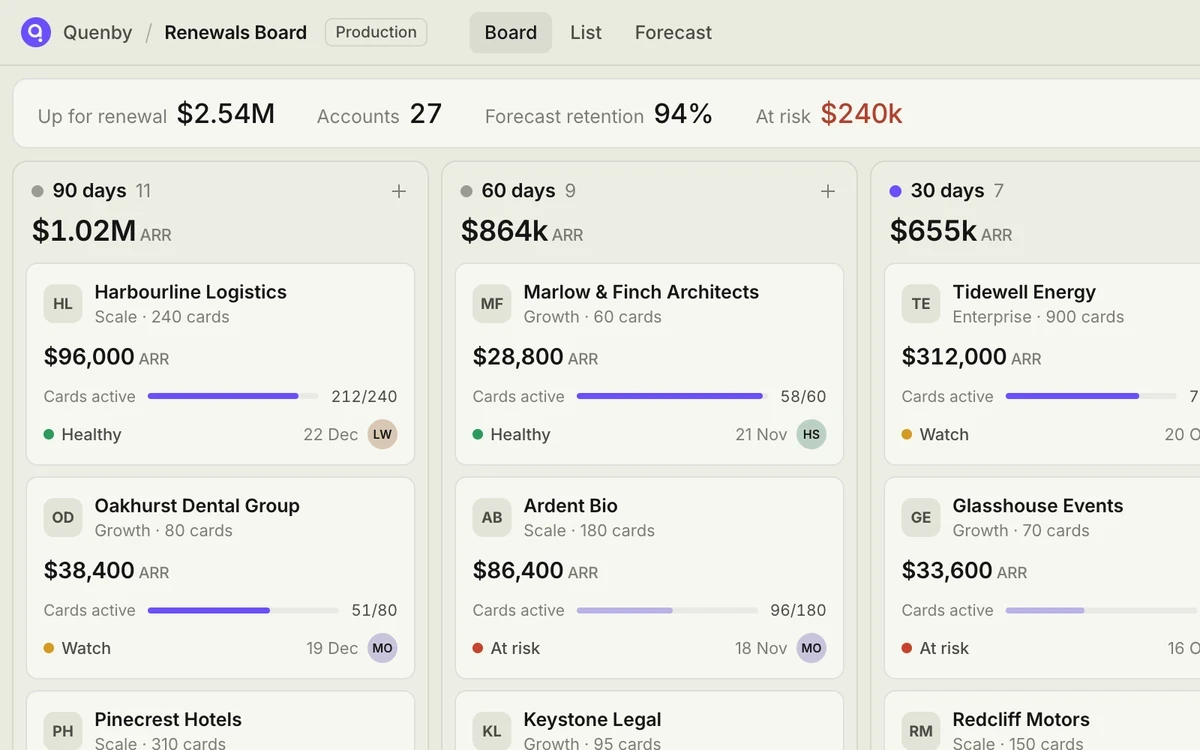
Renewals Board
See every contract due for renewal in the next 90 days, with ARR, health and owner on each card. Moving a card to Signed updates the record in Salesforce.
Quenby
·
Customer success
03 — Questions
Before you copy an app
Do the gallery apps run on real data?
Can we change an app after we copy it?
What controls come with a gallery app?
Or describe the one you need
Apps you build get the same controls as the ones here: sign-in through your identity provider, roles down to the row, and a named approver on every release.